When it comes to making your portal accessible to users with disabilities, the format of your online documents is an important step.
Your documents need to be ADA-compliant before you upload them to your portal. The portal does not transform or alter your documents.
Here are HPS’ top 3 dos and don’ts for making your documents ADA-compliant before you load them to your portal:
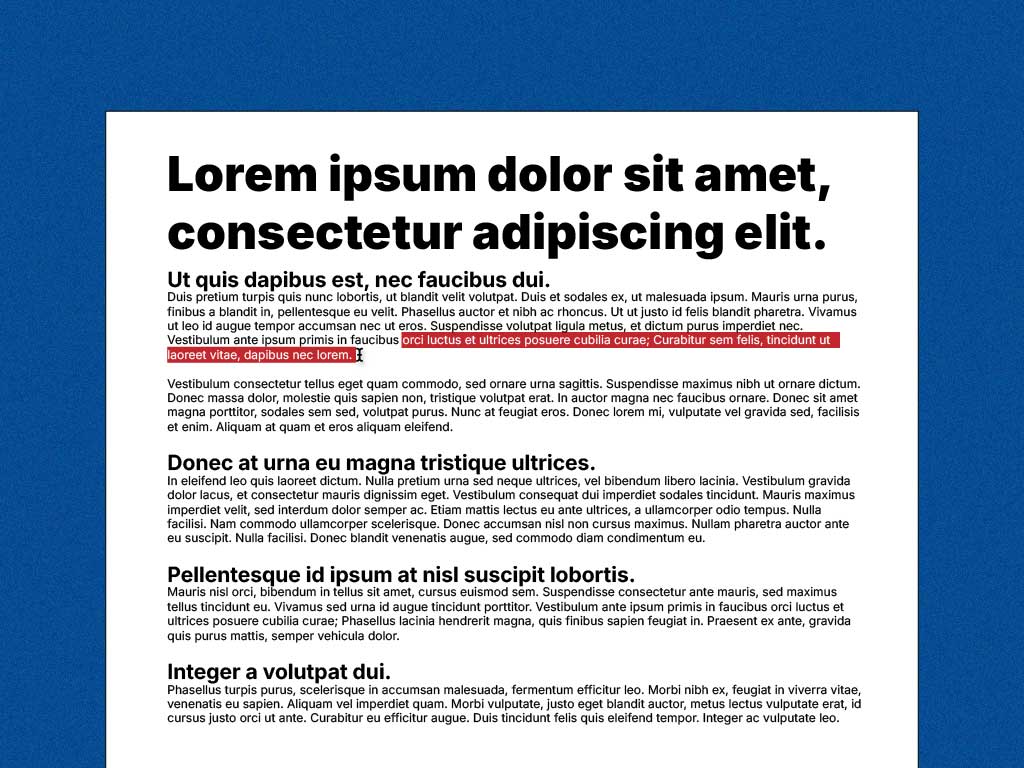
DoMake sure the document is one in which a user can select/highlight the text. This would make the document screen reader-friendly. |
Don’tDon’t print a document, scan it, and upload it to the portal. That would make the document render as an image, and therefore not be screen reader-friendly. |
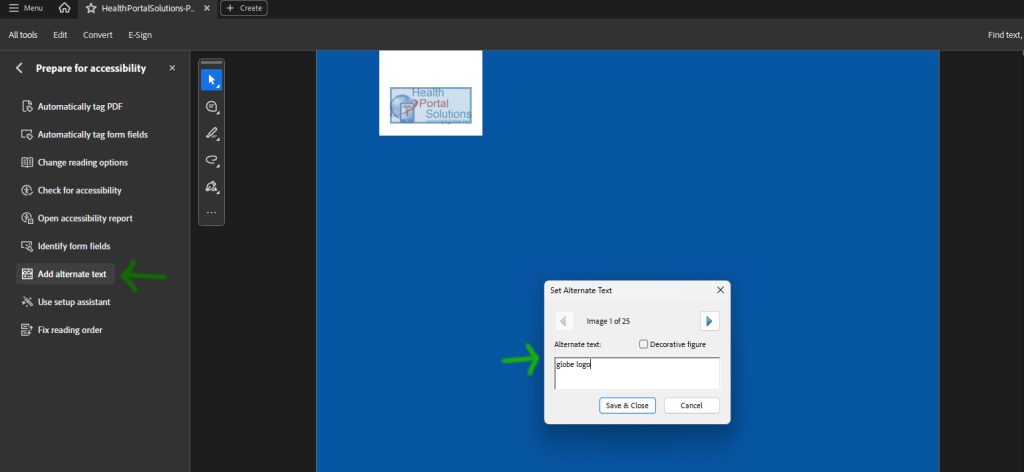
DoAdd alt text and/or a description to every image in the document. |
Don’tDon’t add an image to a document without a description, because screen-reading technologies will not be able to tell whether there’s an image in the document. |
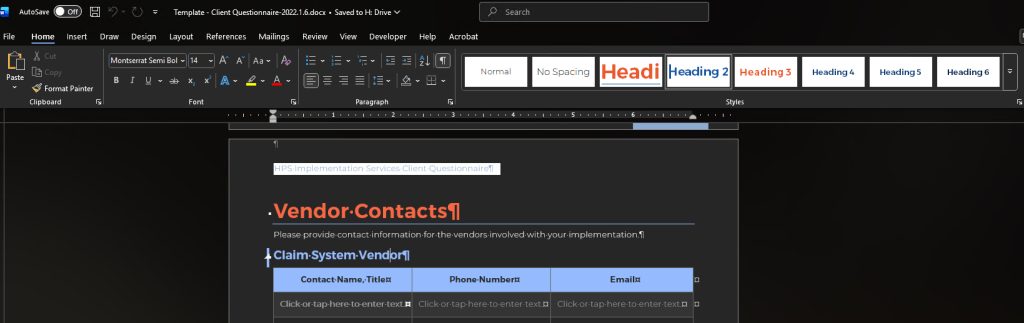
DoUse the Heading 1, Heading 2, Heading 3, etc. designation in the document, because this conveys the hierarchy of the document to a blind person. |
Don’tDon’t simply make a piece of text bold or larger font, because it wouldn’t convey hierarchy to a blind person. |
This is not a comprehensive list of suggestions for documents to be accessibility-friendly, but these are the most common issues we’ve observed.
To learn more about creating accessibility-friendly documents, please visit the website below.